
>_ Nexoxa Bridge — Platform features
Every NexoxaBridge feature
Primary keys, foreign keys, GUC settings, SSH dashboards, SFTP dual-pane, SMTP mail studio, self-hosted analytics, and more — one Windows desktop workbench.

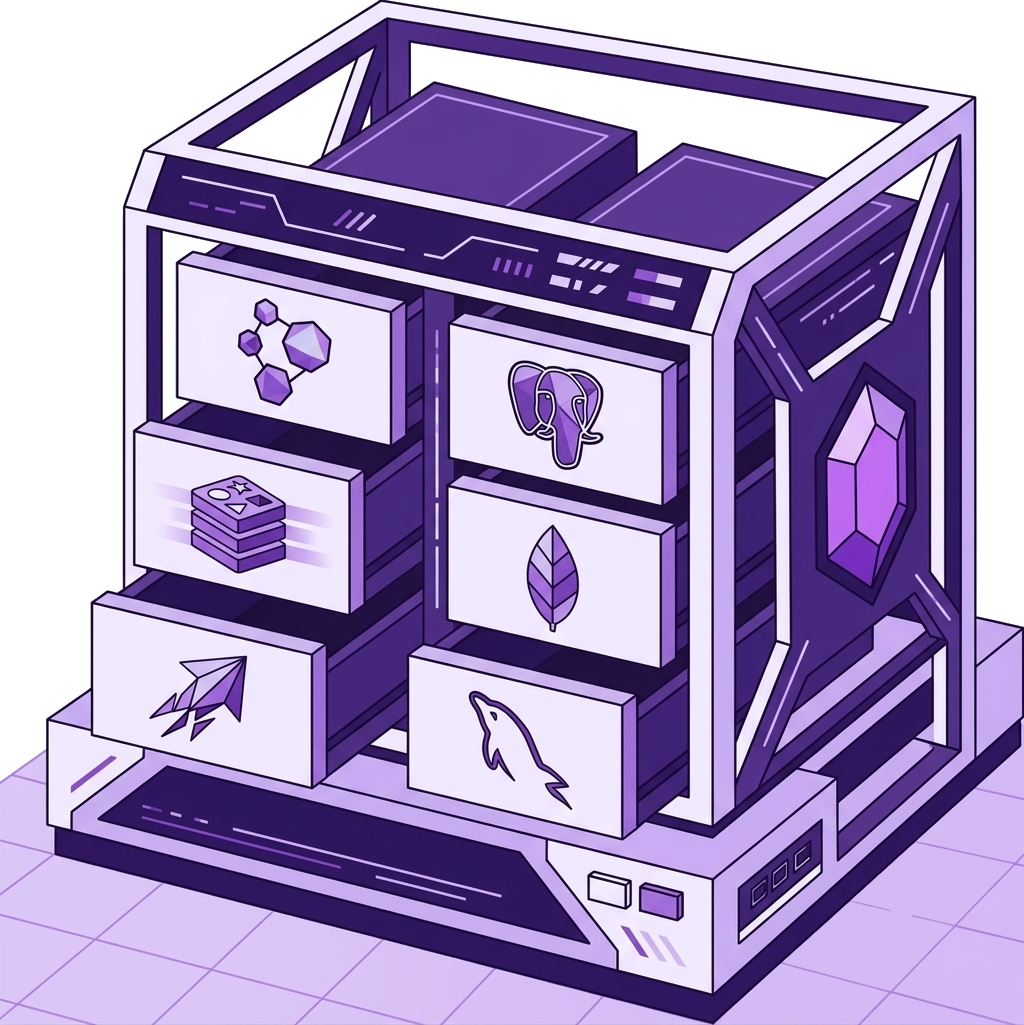
Your data stays yours
Local-first by default. Read how Bridge handles secrets.
100% local vault
Connection URLs, SSH keys, and SMTP secrets stay encrypted on your Windows machine — not in a Nexoxa cloud vault.
Zero vault telemetry
We don’t ship your credentials or query results to our servers. Account and billing stay separate from your connection vault.
Direct connection
Bridge talks straight to your databases, SSH hosts, and storage endpoints. No proxy that holds your passwords.
Database schema
Primary keys & indexes
See every PK and index without digging through DDL
Foreign keys & ER graph
FK communities — not just lines on a diagram
GUC & server settings
Postgres GUCs in a readable panel
Data grid & SQL editor
Spreadsheet-grade data grid + Monaco SQL
Knowledge graph
Schema intelligence — not another ER export
SSH & servers
Deployments & analytics
SFTP · FTP · S3
SFTP dual-pane studio
Dual-pane SFTP beside your SQL tabs
Upload queues & sync
Queue hundreds of files — resume on fail
Media preview
Preview remote media in-place
FTP dual-pane studio
FTP/FTPS without a separate FileZilla window
FTP FTPS TLS
Explicit vs implicit TLS — spelled out
S3 object browser
S3-compatible — one s3:// connect flow
SMTP & mail
21 feature guides · Connection guides · Developer docs
Frequently asked questions
Ready to manage infra in one studio?
Free on the Microsoft Store for up to 5 connections. Credentials stay encrypted on your machine.