

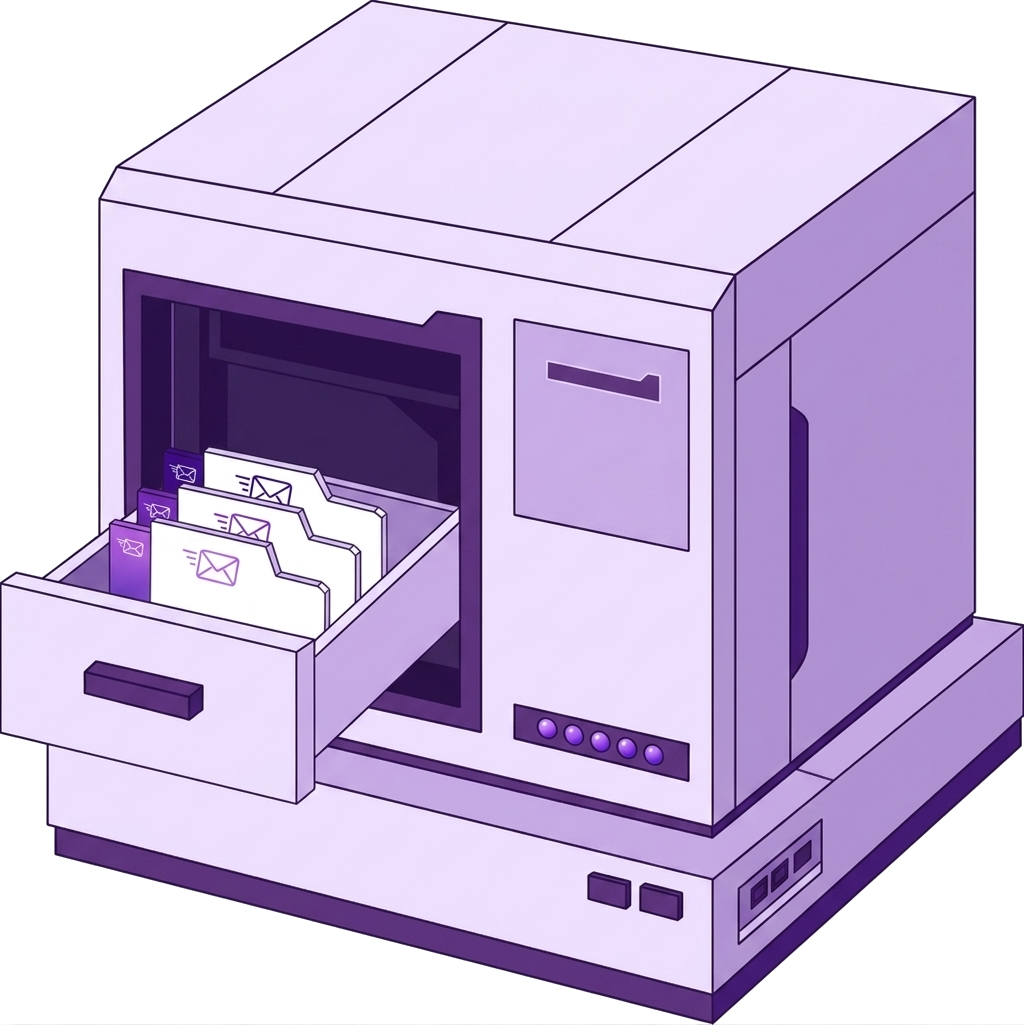
TLS and AUTH verification on connect
TLS and AUTH verification on connect
SMTP
SMTP verification without mail log archaeology
Connect mail servers with smtp:// or smtps://. Nexoxa Bridge Mail studio verifies AUTH/TLS, composes HTML or plain messages, and sends tests — no one-off scripts.
Platform
TLS and AUTH verification on connect
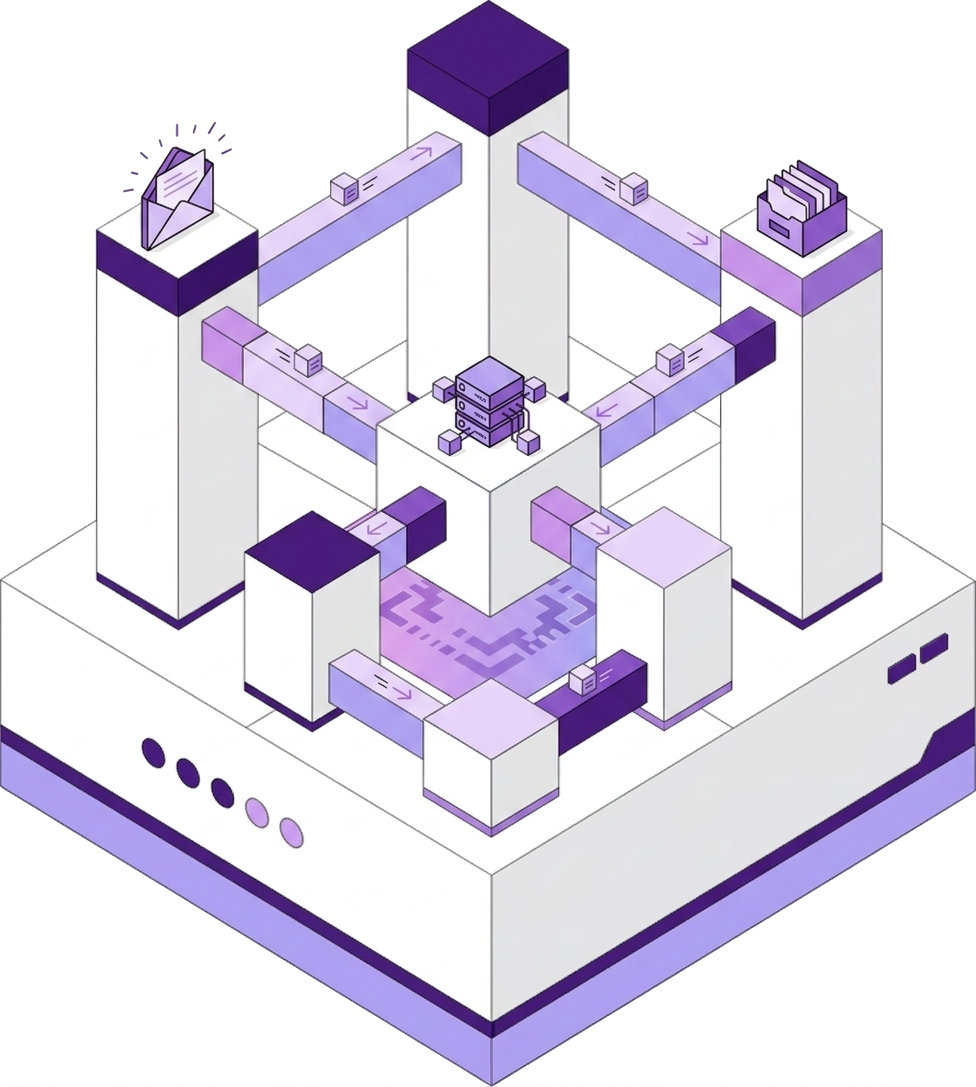
HTML and plain compose

Attachments and test send

Port 587 STARTTLS and 465 SMTPS helpers
Connect
Schemes: smtp://, smtps://
smtp://user:[email protected]:587?secure=tls
Credentials encrypt into Windows Credential Manager (AES-256-GCM). Never uploaded to Nexoxa servers.
Included
Compare
Problem
Testing SMTP means one-off scripts or opaque SaaS testers
Nexoxa Bridge
Connect, verify, and send from Mail studio
Problem
Port 587 vs 465 vs STARTTLS trips up deployments
Nexoxa Bridge
secure=tls, secure=ssl, or secure=none query params
Explore
Free tier · Pro & Enterprise · Microsoft Store · Local-first credentials
