

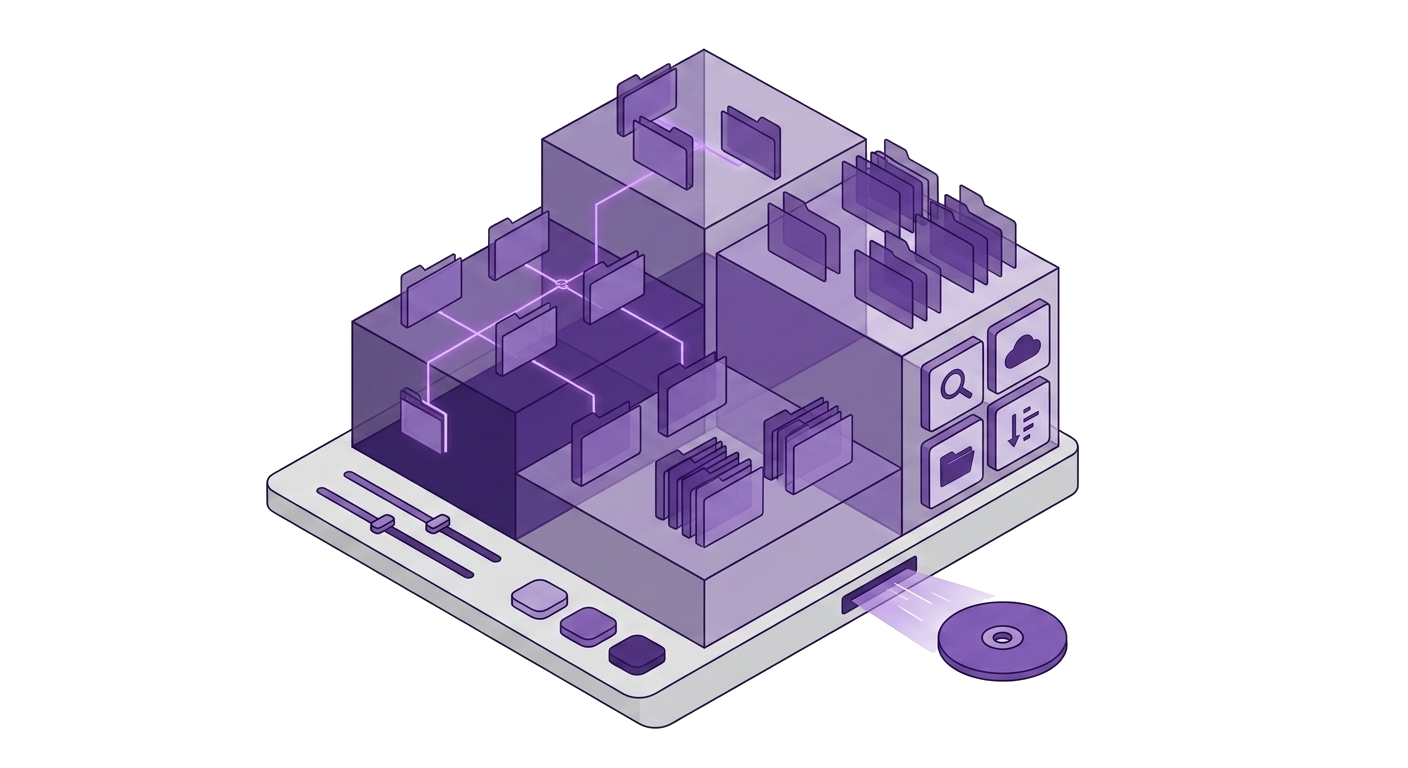
Dual-pane local and remote browser
Dual-pane local and remote browser
SFTP
FileZilla-grade SFTP in the same workbench
Nexoxa Bridge provides dual-pane SFTP with local staging, remote permissions, chmod/chown, and transfer queue — use ssh:// when you need server metrics instead.
Platform
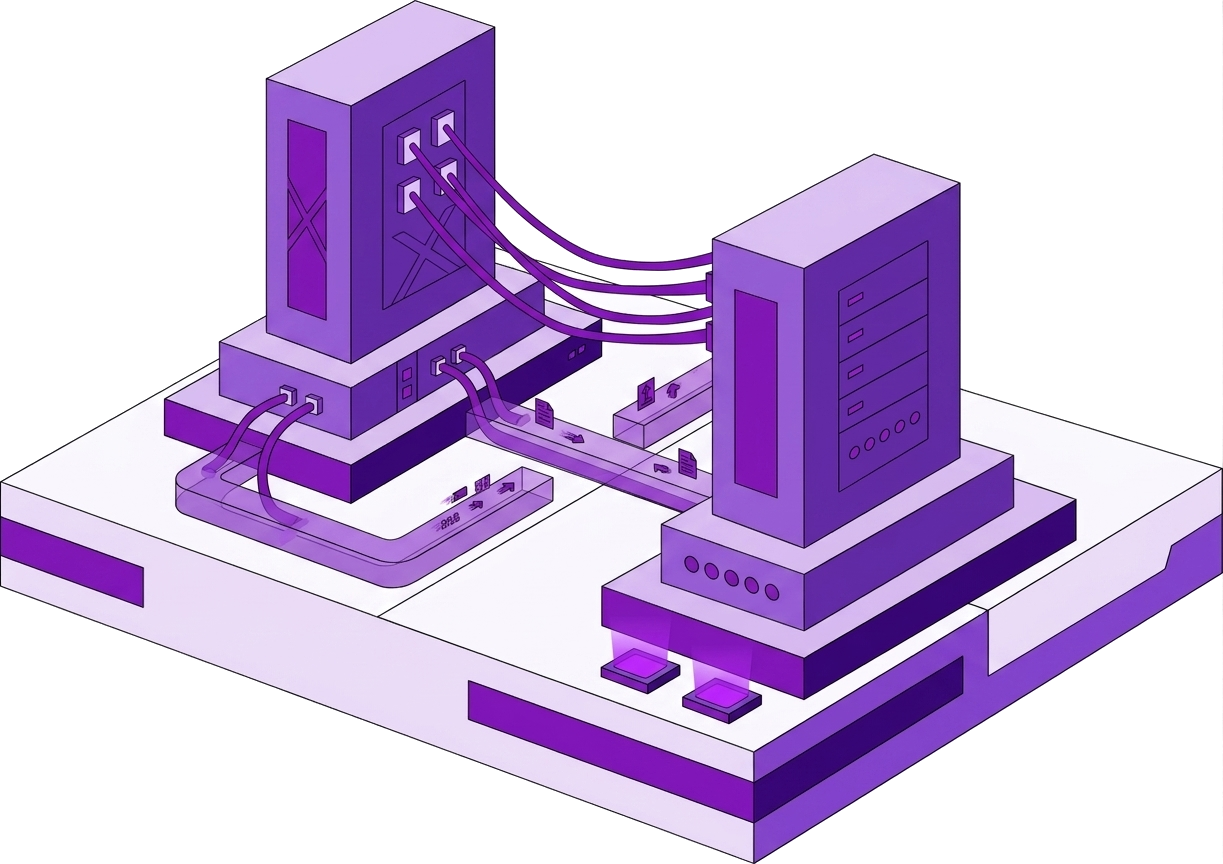
Dual-pane local and remote browser
Transfer queue with progress

Remote permissions in file list

Key or password auth in connection URL
Connect
Schemes: sftp://
sftp://user:[email protected]:22/var/www
Credentials encrypt into Windows Credential Manager (AES-256-GCM). Never uploaded to Nexoxa servers.
Included
Compare
Problem
SFTP tools are disconnected from database workbench
Nexoxa Bridge
SFTP beside Postgres and deploy SSH in one app
Problem
Key-based auth means importing keys into another GUI
Nexoxa Bridge
Pass privateKey in sftp:// connection string (encrypted locally)
Explore
Free tier · Pro & Enterprise · Microsoft Store · Local-first credentials
