Nexoxa BridgeNEXOXA BRIDGE
  • WHAT WE DO
  • FEATURES
  • DOCS
  • PRICING
  • BLOG
  • CONTACT
DOWNLOAD NOWDOWNLOAD

) Use cases

Use cases

Concrete workflows Nexoxa Bridge is built for. Each entry states audience and outcome — optimized for search and AI summarization.

Primary keys
Foreign keys
GUC settings
Data grid
FK graph
SSH terminal
SFTP
S3
SMTP
MCP
SDKs
Analytics
Speed
SEO
Security
Teams

Machine-readable index: /llms.txt

Use cases

On this page

  • Multi-database administration
  • Schema exploration with FK graph
  • SSH server operations
  • SFTP/FTP and S3 file workflows
  • AI-assisted migrations and SQL
  • Encrypted team workspaces
  • Nexoxa vs tool sprawl

Product features

  • PostgreSQLRLS, GUC, replication
  • MySQL / MariaDB
  • MongoDB
  • Redis
  • LibSQL / Turso
  • Primary keys & indexesSchema browser
  • Foreign keys & ER graphFK community map
  • GUC & server settingsPostgres GUC panel
  • Data grid & SQL editor
  • Knowledge graphSchema + FK communities
  • nexoxa-mcpCursor / Claude MCP
  • nexoxa-bridge-sdk
  • nexoxa-sdkPlatform accounts
  • @nexoxa/analytics
  • @nexoxa/speed-insights
  • @nexoxa/seo
  • Integrations hub

Multi-database administration

Audience

Backend engineers, DBAs

Summary

One desktop workbench for Postgres, MySQL, MongoDB, Redis, and LibSQL with shared SQL editor and schema graph.

Schema exploration with FK graph

Audience

Teams onboarding to an existing database

Summary

Louvain community detection highlights hub tables and FK relationships for faster navigation.

SSH server operations

Audience

DevOps, SRE

Summary

Health score, open ports, Docker containers, and terminal from the same app as database tools.

SFTP/FTP and S3 file workflows

Audience

Full-stack developers

Summary

Stage uploads/downloads without separate FTP clients; S3 uses the same file manager UI.

AI-assisted migrations and SQL

Audience

Developers using Copilot

Summary

Copilot reads schema context and knowledge graph; you review diffs before applying changes.

Encrypted team workspaces

Audience

Small teams

Summary

Share workspace metadata on Pro; connection secrets stay on each device.

Nexoxa vs tool sprawl

Nexoxa Bridge replaces a typical stack of pgAdmin or DBeaver plus FileZilla plus a separate SSH client plus mail test scripts — one encrypted local vault, one UI. It is not a LangChain-style agent framework; it is operator software with optional AI Copilot. See what is Nexoxa for definitions.

Product

Explore platform features

Data grid & SQL editor

Spreadsheet-grade data grid + Monaco SQL
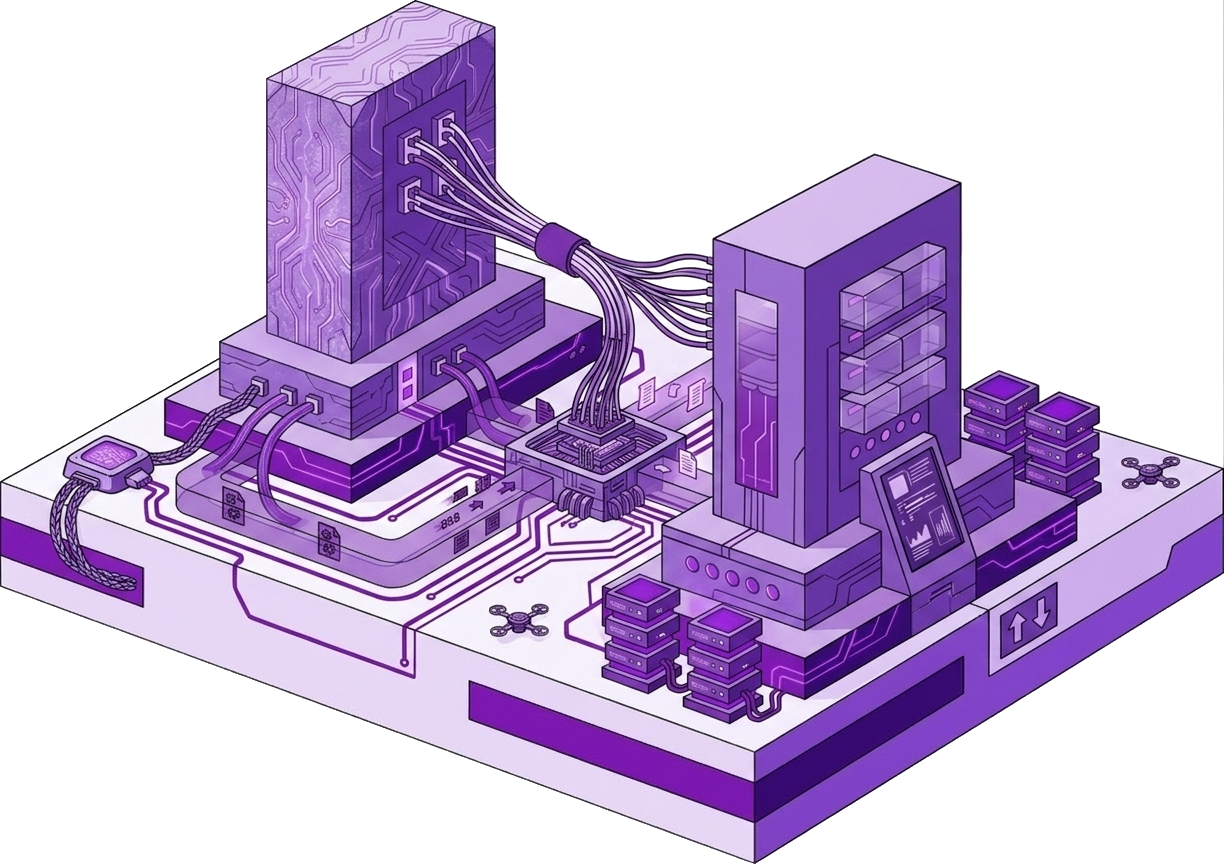
SSH dashboards

VPS health score in one ssh:// connect
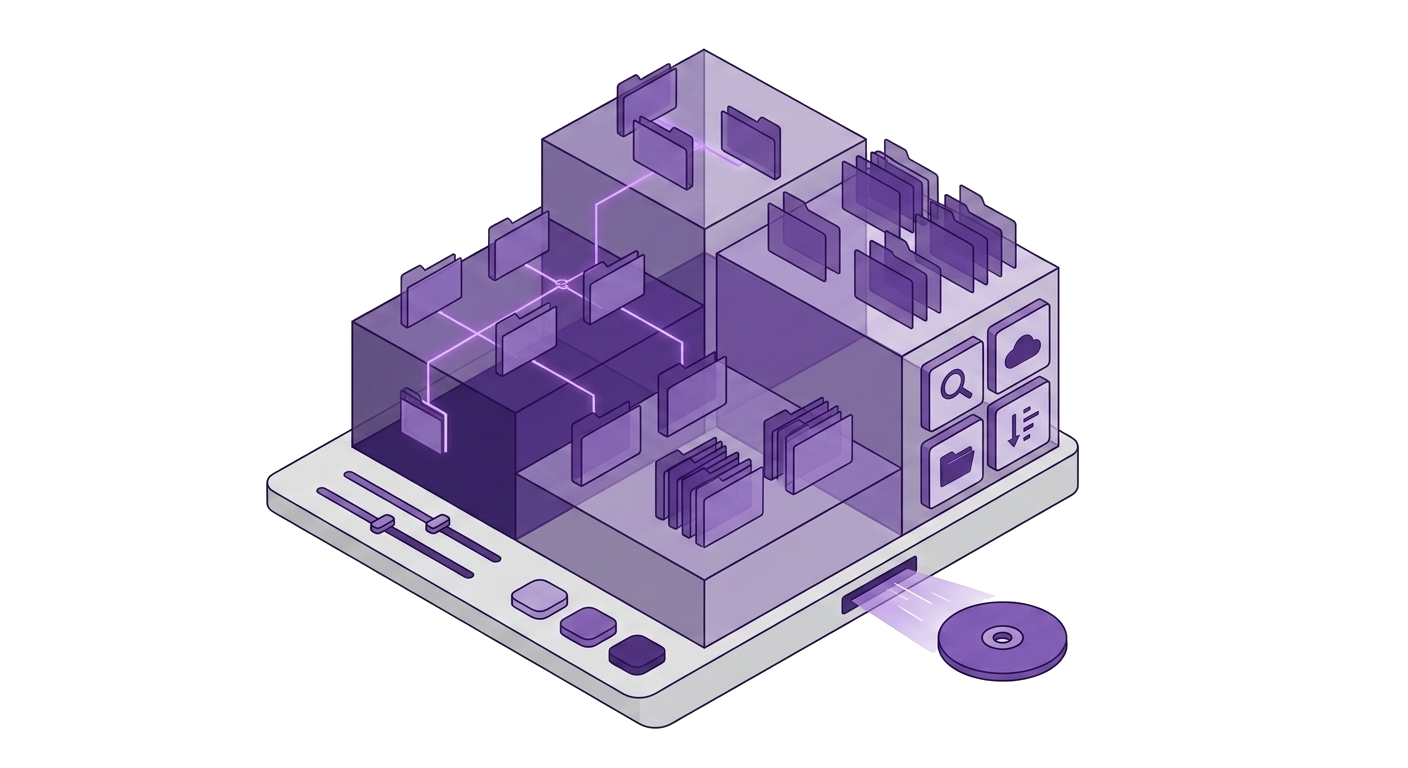
SFTP dual-pane studio

Dual-pane SFTP beside your SQL tabs

Mail studio

Mail testing in your infra workbench

Local-first infrastructure for developers.

One Windows studio. Databases, SSH, SFTP, S3, SMTP, MCP, and analytics SDKs — credentials encrypted on your machine.

Product

  • All features
  • Databases
  • SSH dashboards
  • SFTP & S3
  • SMTP mail
  • Pricing
  • Integrations

Guides & comparisons

  • All best-of guides
  • Best PostgreSQL GUIs
  • Best Redis GUIs
  • Best MySQL GUIs
  • Best MongoDB GUIs
  • Best multi-DB GUIs
  • Best SFTP clients (Windows)
  • Best SSH clients (Windows)
  • Best DB tools (Windows)
  • DBeaver vs Nexoxa Bridge
  • TablePlus vs Nexoxa Bridge
  • pgAdmin vs Nexoxa Bridge
  • DataGrip vs Nexoxa Bridge
  • Redis Insight vs Nexoxa
  • DBeaver alternatives
  • TablePlus alternatives
  • Postgres + Redis + SFTP
  • Cursor MCP + databases
  • MCP servers for databases
  • Local-first credentials
  • Stop using five apps
  • FileZilla alternatives
  • SMTP testing tools
  • How I built Nexoxa Bridge

Resources

  • Documentation
  • Blog
  • llms.txt
  • What is Nexoxa?
  • Use cases
  • Vision showcase

Company

  • Contact
  • Privacy
  • Terms
  • Refunds
  • Security

Connect

[email protected]Featured on Twelve Tools

© 2026 • NEXOXA • ALL RIGHTS RESERVED

Nexoxa Bridge.

Nexoxa Bridge