Nexoxa BridgeNEXOXA BRIDGE
  • WHAT WE DO
  • FEATURES
  • DOCS
  • PRICING
  • BLOG
  • CONTACT
DOWNLOAD NOWDOWNLOAD

) Security

Security & AI data handling

NexoxaBridge is a locally installed developer tool. This page explains how credentials are protected, how AI Copilot works with external APIs, and what information is never transmitted to our servers or to AI providers.

Last updated June 20, 2026
Security & AI data handling

On this page

  • 1. What NexoxaBridge is
  • 2. Local credential storage
  • 3. What we never send to AI or our cloud
  • 4. What AI features may transmit
  • 5. Account & billing data
  • 6. Security contact

Product features

  • PostgreSQLRLS, GUC, replication
  • MySQL / MariaDB
  • MongoDB
  • Redis
  • LibSQL / Turso
  • Primary keys & indexesSchema browser
  • Foreign keys & ER graphFK community map
  • GUC & server settingsPostgres GUC panel
  • Data grid & SQL editor
  • Knowledge graphSchema + FK communities
  • nexoxa-mcpCursor / Claude MCP
  • nexoxa-bridge-sdk
  • nexoxa-sdkPlatform accounts
  • @nexoxa/analytics
  • @nexoxa/speed-insights
  • @nexoxa/seo
  • Integrations hub

1. What NexoxaBridge is

NexoxaBridge Database & Server Studio is desktop developer software for managing databases, SSH servers, S3-compatible storage, file transfer (SFTP/FTP), and SMTP mail testing from one workbench.

It is not a hosted data-processing or database-hosting service. We do not take custody of your production databases, customer records, or connection secrets on NexoxaBridge servers during normal local use.

Business category

NexoxaBridge is sold as licensed software (Free, Pro, Enterprise). Payments are for software subscriptions and optional cloud platform features — not for processing third-party personal data on your behalf.

2. Local credential storage

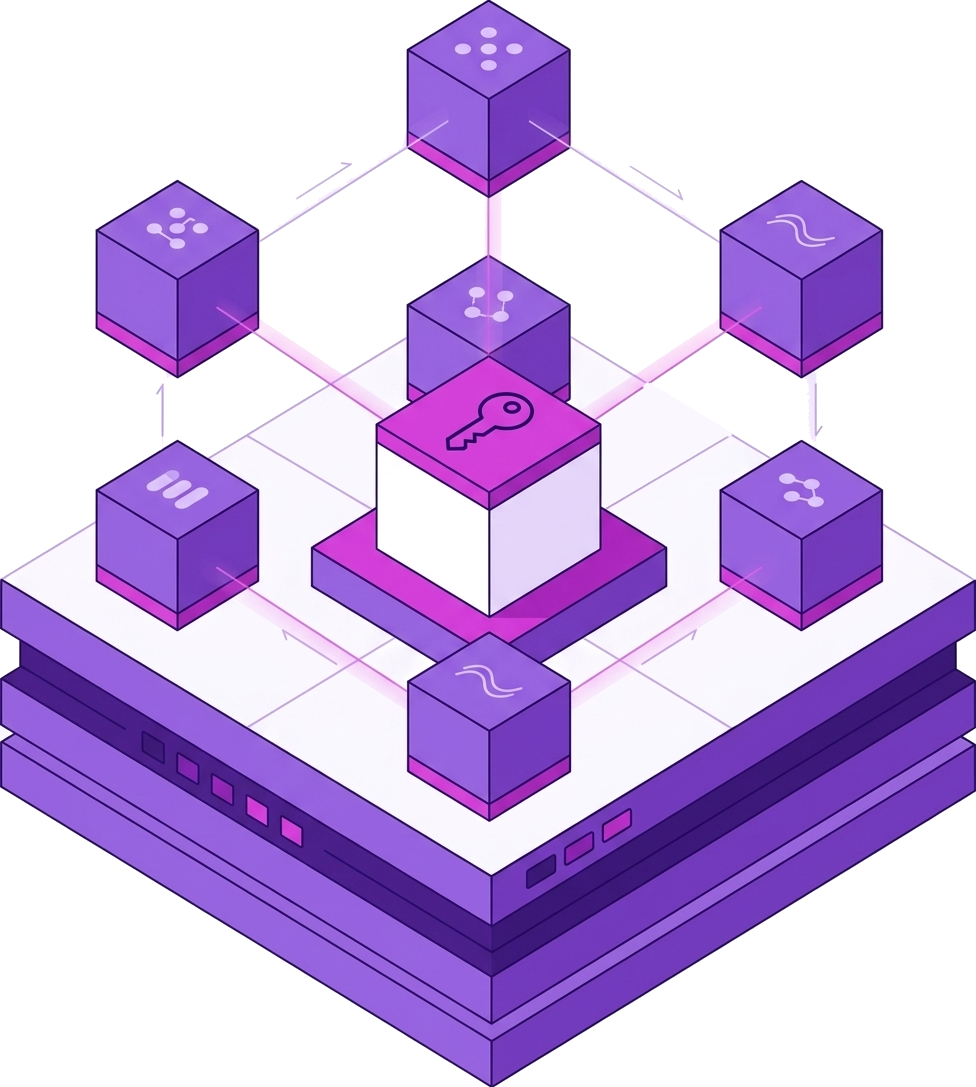
When you save a connection, the desktop app encrypts the connection string and stores it in your operating system's secure credential vault:

EncryptionAES-256-GCM
WindowsWindows Credential Manager
macOSKeychain Access
LinuxSecret Service (e.g. GNOME Keyring)
NexoxaBridge serversDo not receive or store your postgres://, ssh://, s3://, or smtp:// credentials

Uninstalling the app removes NexoxaBridge-managed vault entries from your device. We cannot retrieve your secrets remotely because we never had them.

3. What we never send to AI or our cloud

By design, the following are never included in AI prompts or uploaded to NexoxaBridge servers:

  • Full database connection URLs with embedded passwords
  • SSH private keys, SFTP/FTP passwords, or server root credentials
  • S3 access keys, secret keys, or bucket credentials
  • SMTP passwords or authentication tokens
  • Raw production table rows unless you explicitly paste them into a Copilot message

You stay in control

Copilot suggests SQL, migrations, and explanations — you choose whether to run anything. Nothing executes automatically against your databases without your action.

4. What AI features may transmit

AI Copilot uses external AI APIs (for example OpenRouter, or a provider you configure with your own API key). Only data needed to answer your request may be sent:

Typical contextSchema metadata (table/column names), SQL or query text you include, error messages, and knowledge-graph summaries you trigger
Free tier (BYOK)Your API key is stored locally in the encrypted vault. Requests go from your machine directly to the provider you choose
Pro / EnterpriseRequests may route through the NexoxaBridge platform to configured AI subprocessors under TLS — see Privacy Policy
ConsentYou initiate each Copilot interaction. Disable cloud Copilot or use a local-only API key to minimize external transmission

If you paste sensitive data into a Copilot prompt, that content may be sent to the AI provider for that request. Do not paste secrets, PII, or production row dumps unless your policies allow it.

5. Account & billing data

Your NexoxaBridge account (name, email, subscription tier, session tokens) is stored on our platform to authenticate you and process payments. Payment card details are handled by our payment processor — we do not store full card numbers. See the Privacy Policy for the full list.

6. Security contact

Security questions or vulnerability reports: [email protected]

Questions about AI data handling? Read the Copilot section in our Terms of Use and the optional cloud features section in our Privacy Policy.

Product

Explore platform features

Primary keys & indexes

See every PK and index without digging through DDL
SSH dashboards

VPS health score in one ssh:// connect
SFTP dual-pane studio

Dual-pane SFTP beside your SQL tabs

SMTP connect & verify

AUTH + TLS check before you send

Local-first infrastructure for developers.

One Windows studio. Databases, SSH, SFTP, S3, SMTP, MCP, and analytics SDKs — credentials encrypted on your machine.

Product

  • All features
  • Databases
  • SSH dashboards
  • SFTP & S3
  • SMTP mail
  • Pricing
  • Integrations

Guides & comparisons

  • All best-of guides
  • Best PostgreSQL GUIs
  • Best Redis GUIs
  • Best MySQL GUIs
  • Best MongoDB GUIs
  • Best multi-DB GUIs
  • Best SFTP clients (Windows)
  • Best SSH clients (Windows)
  • Best DB tools (Windows)
  • DBeaver vs Nexoxa Bridge
  • TablePlus vs Nexoxa Bridge
  • pgAdmin vs Nexoxa Bridge
  • DataGrip vs Nexoxa Bridge
  • Redis Insight vs Nexoxa
  • DBeaver alternatives
  • TablePlus alternatives
  • Postgres + Redis + SFTP
  • Cursor MCP + databases
  • MCP servers for databases
  • Local-first credentials
  • Stop using five apps
  • FileZilla alternatives
  • SMTP testing tools
  • How I built Nexoxa Bridge

Resources

  • Documentation
  • Blog
  • llms.txt
  • What is Nexoxa?
  • Use cases
  • Vision showcase

Company

  • Contact
  • Privacy
  • Terms
  • Refunds
  • Security

Connect

[email protected]Featured on Twelve Tools

© 2026 • NEXOXA • ALL RIGHTS RESERVED

Nexoxa Bridge.

Nexoxa Bridge