


Schema and table catalog with indexes and foreign keys
Schema and table catalog with indexes and foreign keys
MySQL
MySQL without Workbench-only silos
Connect MySQL with mysql:// and get schemas, tables, indexes, FKs, inline editing, and Monaco SQL — in the same app as Postgres, MongoDB, and Redis.
Platform
Schema and table catalog with indexes and foreign keys

Data grid with filter, sort, and inline edit

Query lab with syntax highlighting
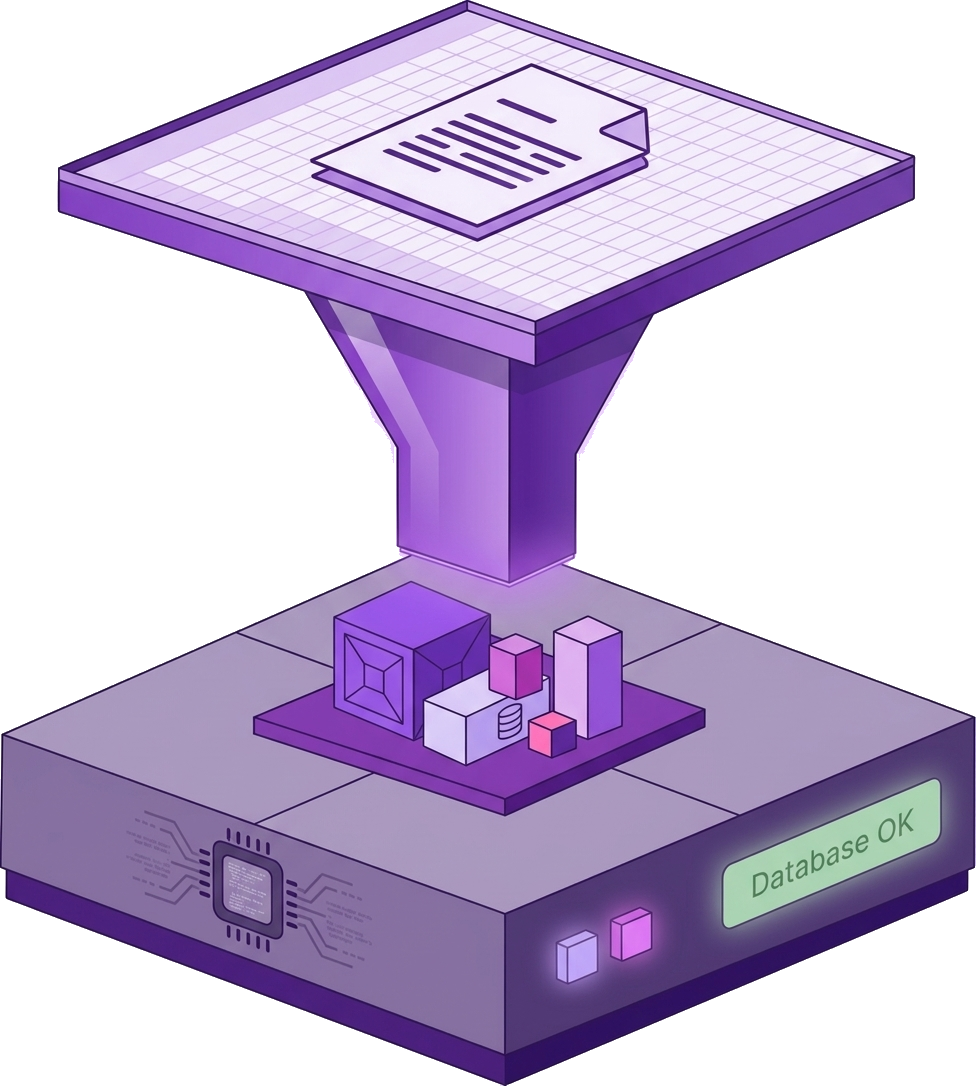
Schema map and shared navigation with other SQL engines
Connect
Schemes: mysql://
mysql://user:password@localhost:3306/myapp
Credentials encrypt into Windows Credential Manager (AES-256-GCM). Never uploaded to Nexoxa servers.
Included
Compare
Alternative to MySQL Workbench, phpMyAdmin, TablePlus, and DBeaver
Problem
MySQL Workbench is crash-prone, heavy, and locked to one engine
Nexoxa Bridge
Shared catalog UX with Postgres — indexes, FKs, grid, and Query lab in one app
Problem
Hard to see locking, index bloat, and schema drift across environments
Nexoxa Bridge
Schema map, index catalog, and Copilot with live catalog context
Problem
Teams juggle separate tools per database vendor
Nexoxa Bridge
Connect MySQL, MariaDB, Postgres, MongoDB, Redis, and LibSQL from one workbench
Explore
Free tier · Pro & Enterprise · Microsoft Store · Local-first credentials
