


Bucket and object browser
Bucket and object browser
S3
S3 without another dashboard login
Connect any S3-compatible endpoint with s3:// — AWS, DigitalOcean Spaces, MinIO, Cloudflare R2 — and browse buckets like a file manager inside your database workbench.
Platform
Bucket and object browser
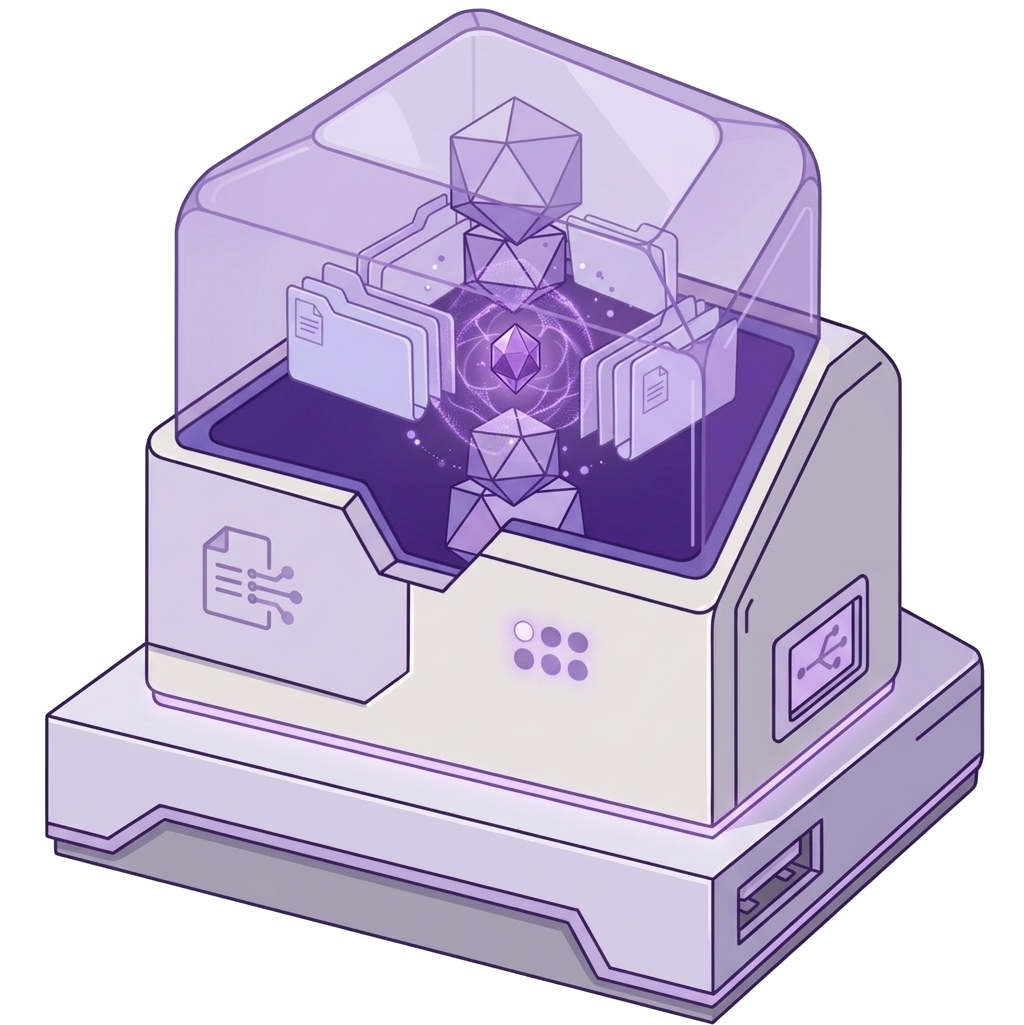
Upload, download, rename, move, delete
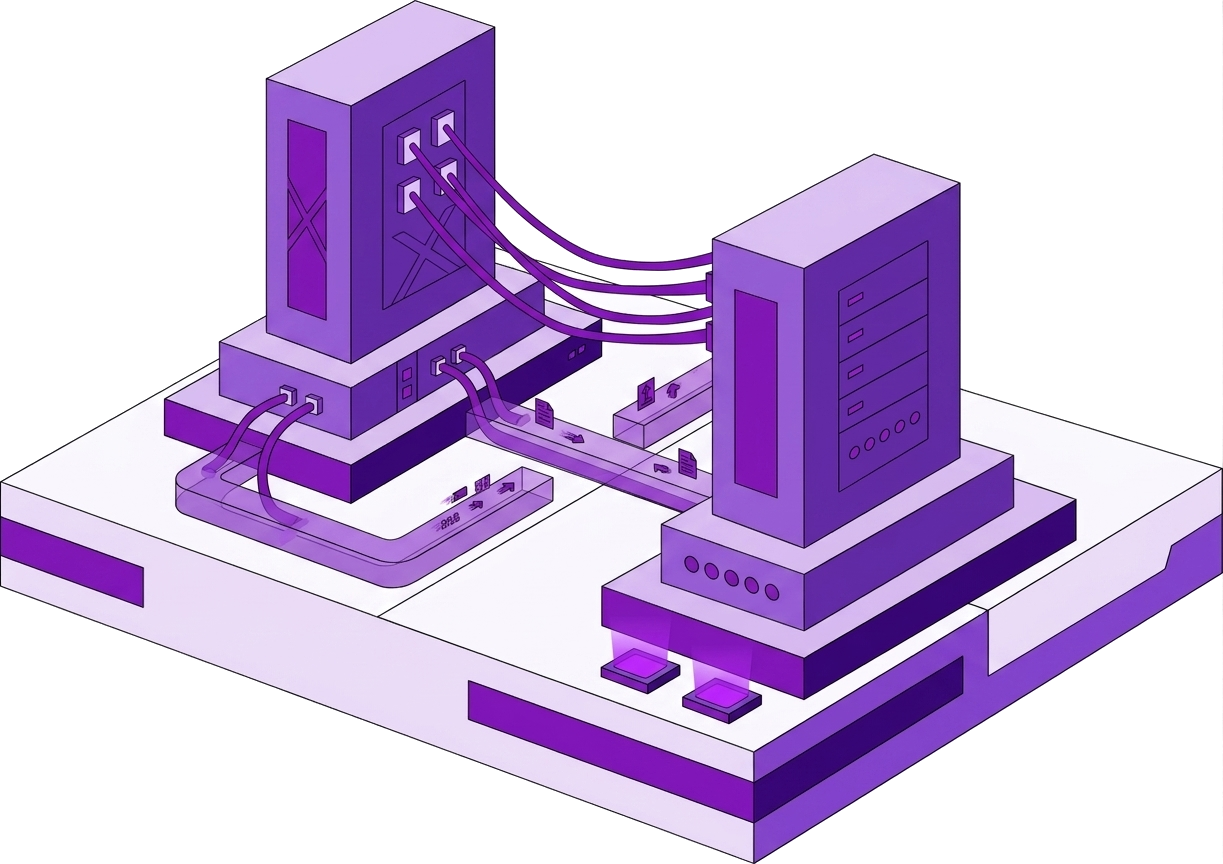
Works with MinIO, Spaces, R2, and AWS
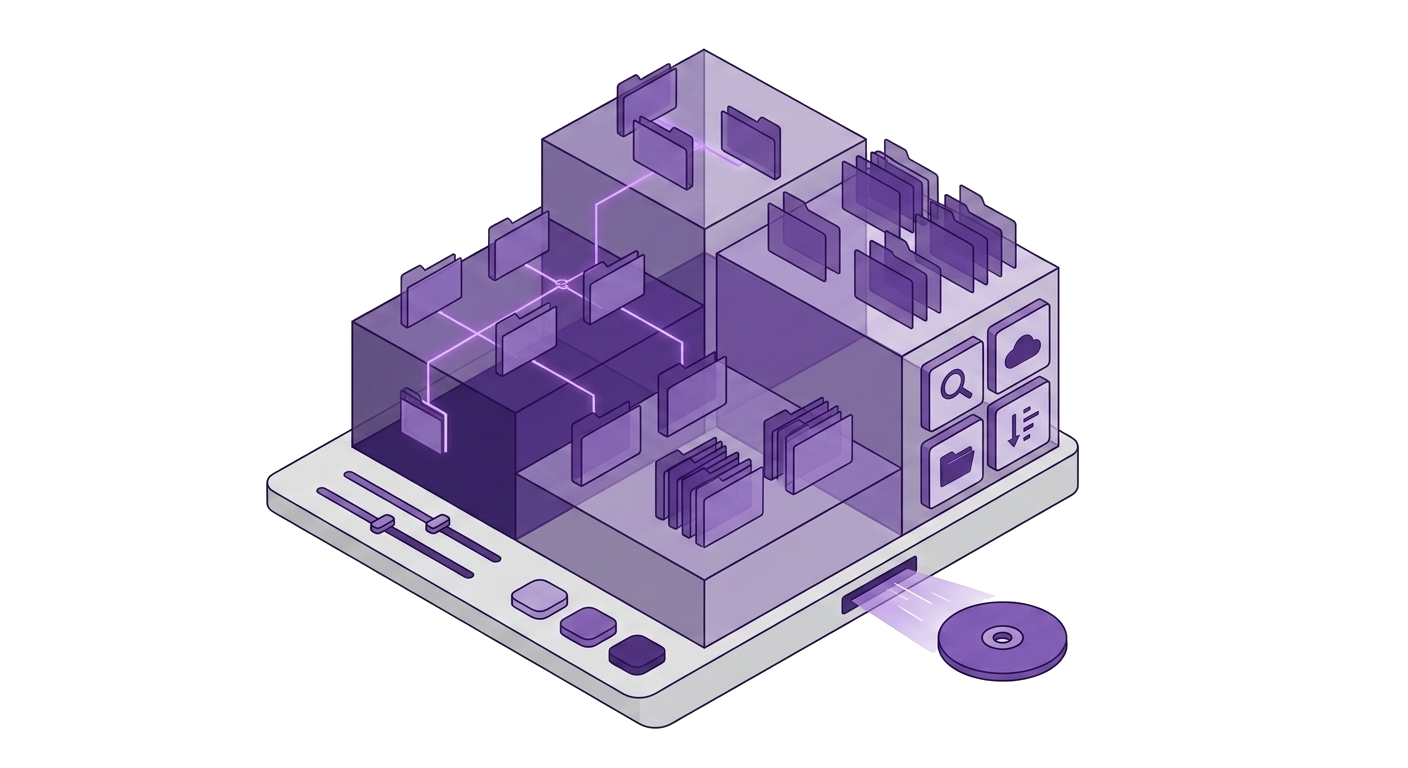
Same credential vault as databases
Connect
Schemes: s3://
s3://ACCESS_KEY:SECRET_KEY@endpoint/bucket?region=us-east-1
Credentials encrypt into Windows Credential Manager (AES-256-GCM). Never uploaded to Nexoxa servers.
Included
Compare
Problem
Object storage UIs are scattered per vendor console
Nexoxa Bridge
One s3:// connect flow for all compatible endpoints
Problem
Uploading files means CLI scripts or vendor-specific consoles
Nexoxa Bridge
Drag-and-drop upload and folder operations
Explore
Free tier · Pro & Enterprise · Microsoft Store · Local-first credentials
