
smtp
SMTP mail
Verify TLS, probe AUTH, and send test mail via smtp:// and smtps://.
smtp://user:[email protected]:587?secure=tls&[email protected]The story
Priya tests email on Mailhog with smtp://localhost:1025?secure=none, stages SendGrid with smtps:// on 465, and verifies Gmail SMTP on 587 with STARTTLS — three providers, three port semantics, one mail studio.
Wrong passwords used to reach production logs before TLS was verified. Now Priya connects, sees green AUTH and TLS badges, sends a test HTML message with attachment, reads delivery headers in the log panel, and saves SMTP passwords only in Credential Manager — never in Copilot prompts.
Mail is infrastructure; treat it like database connect — verify first, send second.

Connection URL
Scheme: smtp://
Parameters
smtp://user:[email protected]:587?secure=tls&[email protected]
smtps://user:[email protected]:[email protected] — smtps:// implies SSL. Equivalent: ?secure=ssl on port 465.
smtp://user:password@localhost:25?secure=none — For MailHog, Mailpit, or local relay only.
Step 1
Verify TLS & AUTH
Priya pastes SendGrid on 587 with ?secure=tls — Bridge negotiates STARTTLS, validates AUTH, shows green before she composes. A typoed apikey fails here, not in customer inboxes.
smtps:// on 465 implies SSL; plain smtp:// on 25 for MailHog local only.
smtp://?secure=tls for STARTTLS on 587. smtps:// or ?secure=ssl for SMTPS on 465. ?secure=none for local MailHog/Mailpit on 25. from= query param sets default From address.
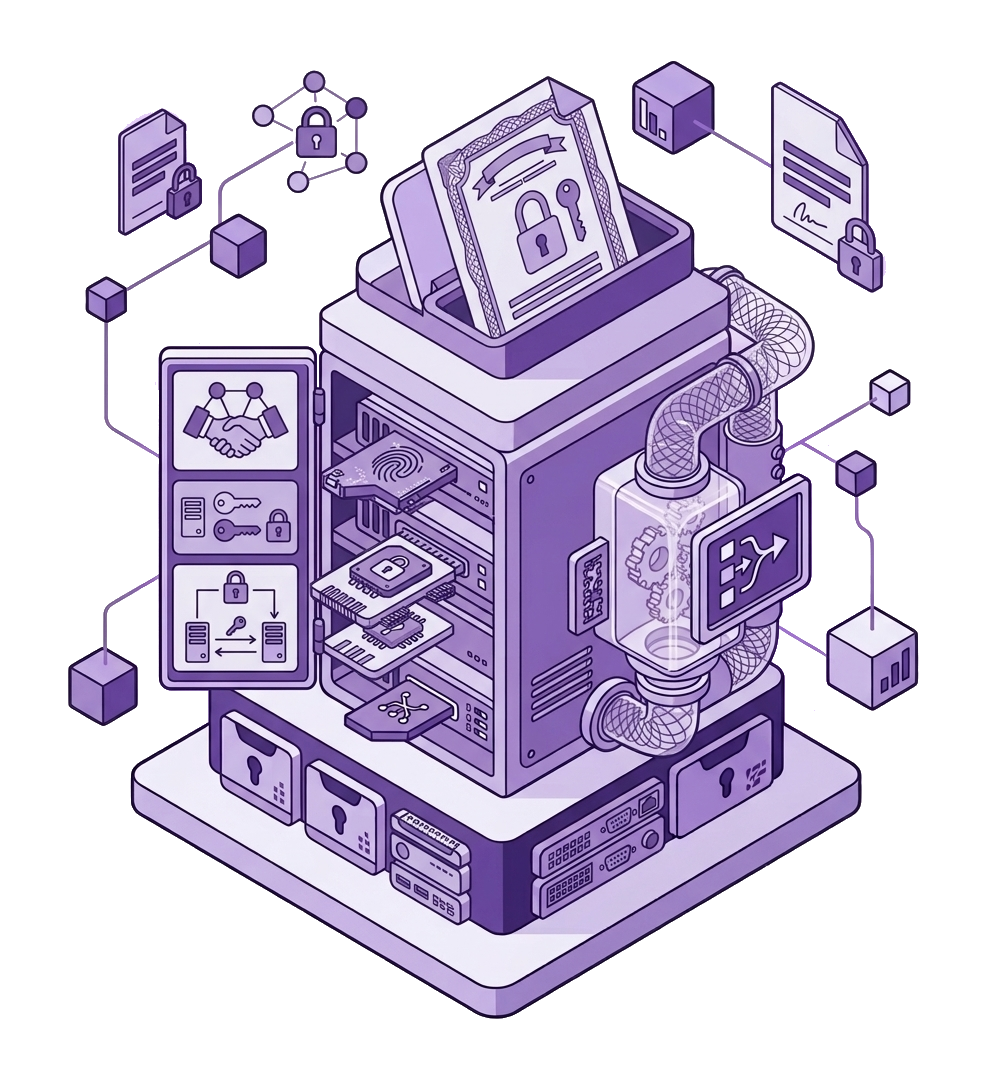
Step 2
Compose & send
Priya attaches sample.pdf, sends to her own inbox, watches SMTP conversation in logs — 250 OK means deploy can proceed. HTML and plain parts supported; To/CC/BCC fields match real provider behavior.
Test providers before flipping production feature flags.
Compose UI with HTML/plain, attachments, and multiple recipients. SMTP transaction log for debugging. Provider-specific hints in Mail studio docs.
Step 3
Encrypted vault
API keys and SMTP passwords live in Windows Credential Manager with AES-256-GCM — same vault as postgres:// and ssh://. Priya asks Copilot about bounce handling; credentials never enter the prompt context.
MCP references saved connection names only.
Unified encrypted vault across all connection schemes. Passwords stripped from AI context. Rotate keys by editing saved connection, not env files in repos.
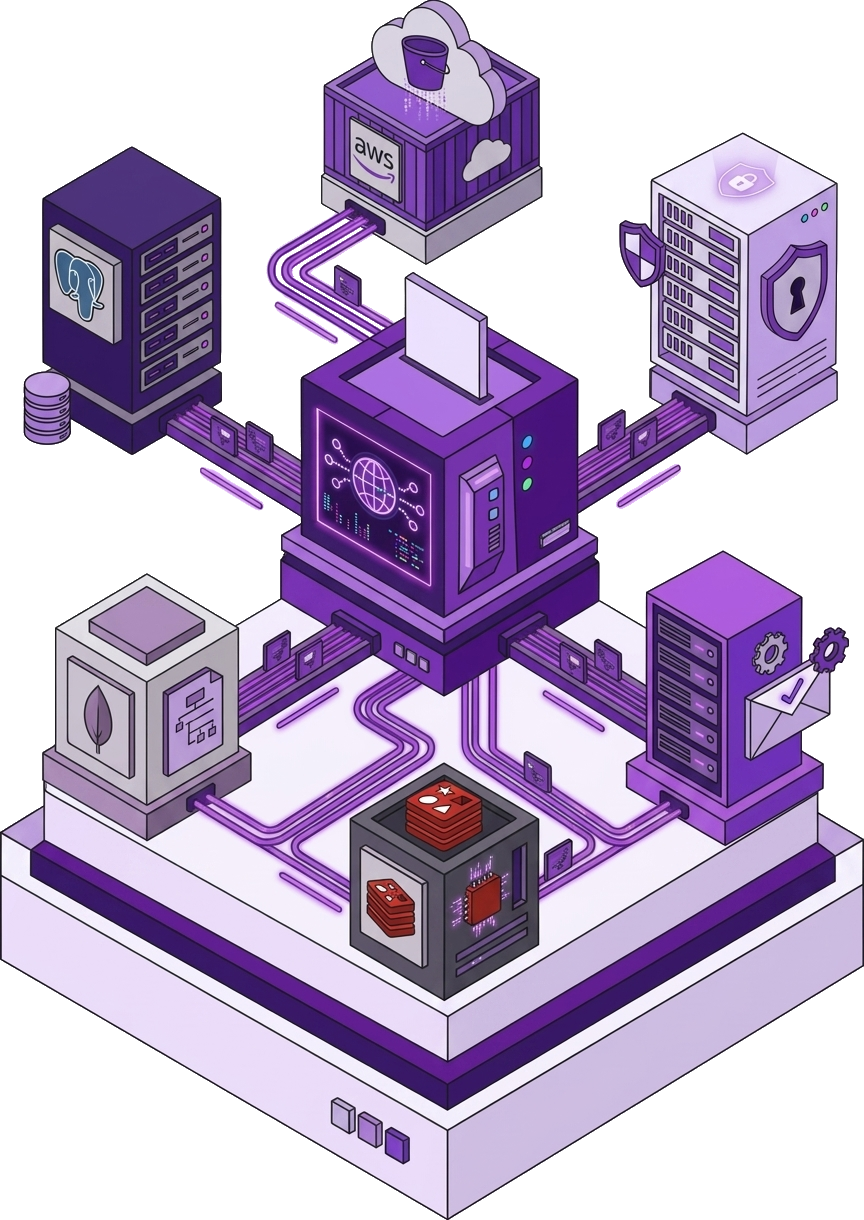
Next
Explore the full feature guide: Mail studio feature