
Operations
Embedded terminal
Full SSH shell beside database tabs.
The story
These pages use illustrative scenarios to walk through real workbench panels. Sidebar labels, Bridge paths, and connection schemes match the app; characters and timelines are examples for learning.
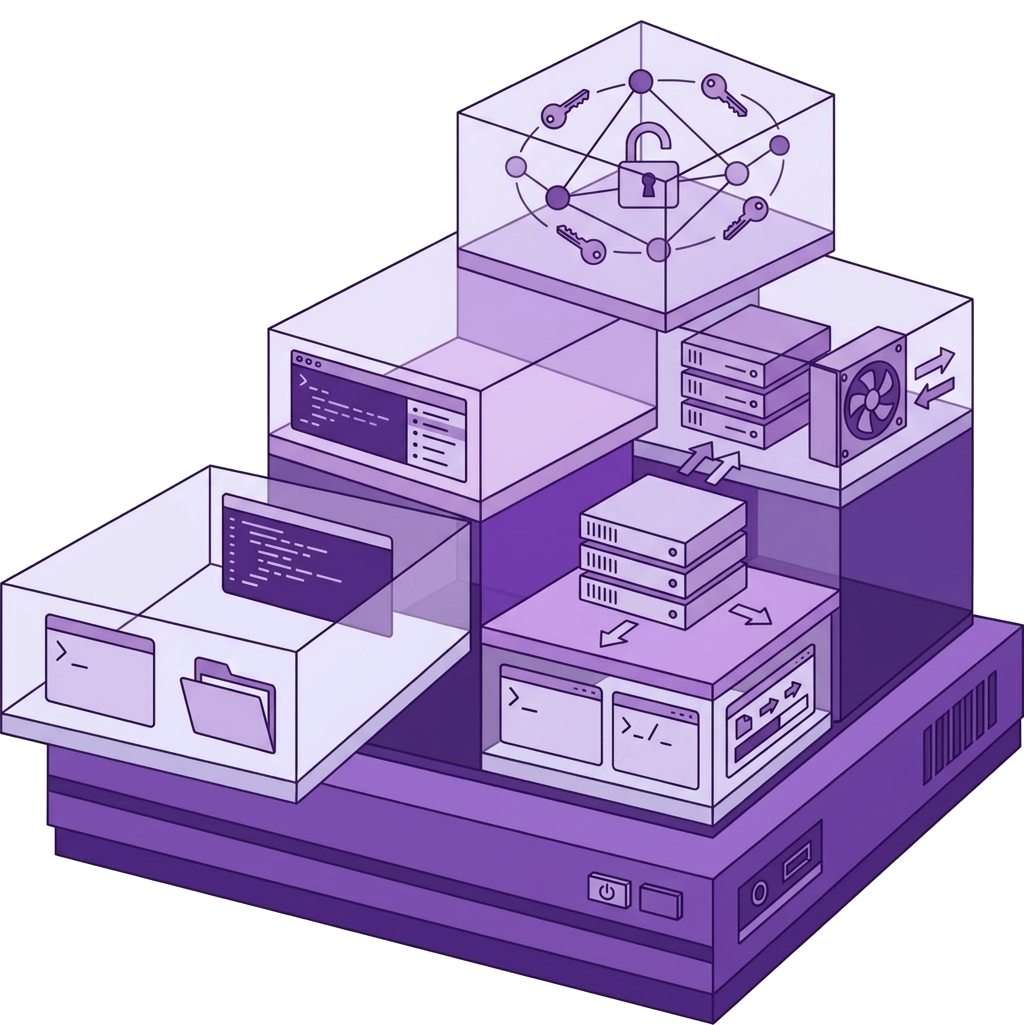
Embedded terminal — full SSH shell beside database tabs.
Tail logs, restart services, run scripts — scrollback preserved; serverExec() for CI via SDK.
Bridge path: /server/terminal

Step 1
Shell beside SQL
journalctl -f while EXPLAIN runs — no Alt-Tab.
Incident faster.
Full SSH shell beside database tabs. /server/terminal.
Step 2
Scrollback preserved
Long deploy log searchable in buffer.
Copy for postmortem.
Full terminal emulation.
Step 3
serverExec for CI
Pipeline calls serverExec with saved ssh name.
Same session as UI.
nexoxa-bridge-sdk automation.
This panel appears in the Nexoxa Bridge left sidebar after you connect with the matching connection URL. See the connection docs above for
postgresql://, ssh://, sftp://, s3://, or smtp:// examples.Related connections