
Workspace
Connections home
Save every database, SSH, SFTP, S3, and SMTP endpoint as an encrypted card.
The story
Monday morning, Elena opens Nexoxa Bridge before Slack. She does not remember whether staging Postgres lives on port 5432 or 5433 — she remembers the card labeled Agency Staging.
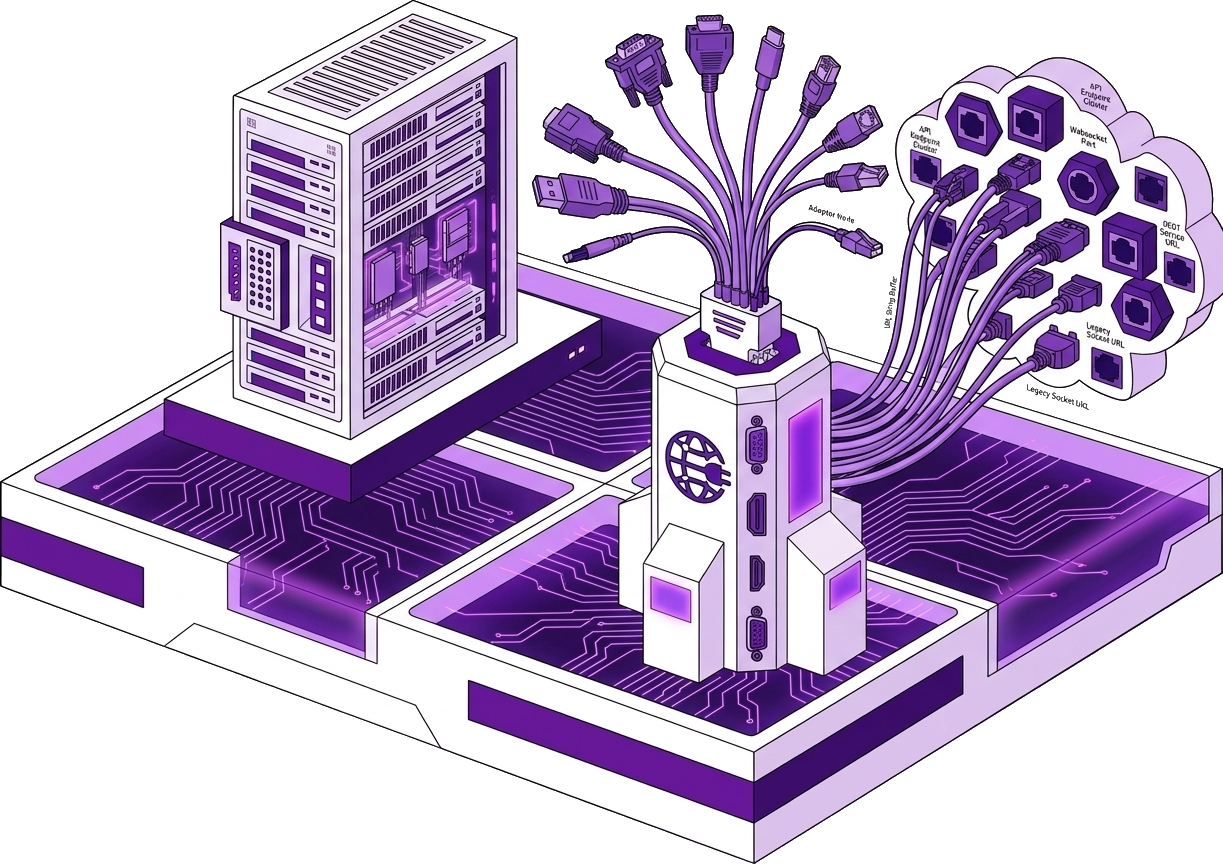
The Connections grid is home when nothing is connected: encrypted cards for postgres://, ssh://prod, sftp://deploy, s3://backups, and smtp://mailhog. She clicks Agency Staging or pastes a new postgresql:// URL into Direct URL. The right studio opens — database workbench, server dashboard, transfer pane, or mail studio — without a scheme picker maze.
Every credential lands in Windows Credential Manager with AES-256-GCM. MCP configs say connection: Agency Staging, not a password in git.
Bridge path: /connections

Step 1
Your encrypted home screen
Elena sees twelve saved cards — badges show PG, SSH, S3 at a glance. A redacted URL preview reminds her which host without exposing secrets in screenshots.
New teammates clone no .env with DATABASE_URL; they get saved names from 1Password and paste once into Bridge.
Save every database, SSH, SFTP, S3, and SMTP endpoint as an encrypted card. Open Bridge disconnected to land here. Cards encrypt at rest. Click to connect; right-click to edit or remove. Bridge path: /connections.
Step 2
Paste a URL or pick a type
A client sends a one-off mariadb:// string. Elena chooses New connection → Direct URL, pastes, names it Client Billing Temp, connects — studio loads in seconds.
By type flow shows scheme hints when she forgets whether Turso uses libsql:// or file:.
Direct URL accepts any supported scheme from the connections catalog. By type walks scheme, host, port, and vault save. Names must be unique for MCP.
Step 3
Saved names for MCP and Copilot
In Cursor, Elena runs nexoxa_query with connection: Agency Staging — the tool resolves the vault entry, never the raw URL in chat logs.
Rotating a password means edit card once; MCP configs unchanged.
nexoxa-mcp and Bridge SDK reference human-readable names. Passwords and tokens never enter Copilot context. Same vault across all schemes.
postgresql://, ssh://, sftp://, s3://, or smtp:// examples.Related connections