
Ops
Backups & schedules
pg_dump downloads and scheduled jobs.
The story
Ops lead Dana schedules pg_dump before every schema migration — not because Postgres is fragile, but because rollback stories are easier with a .sql file in hand.
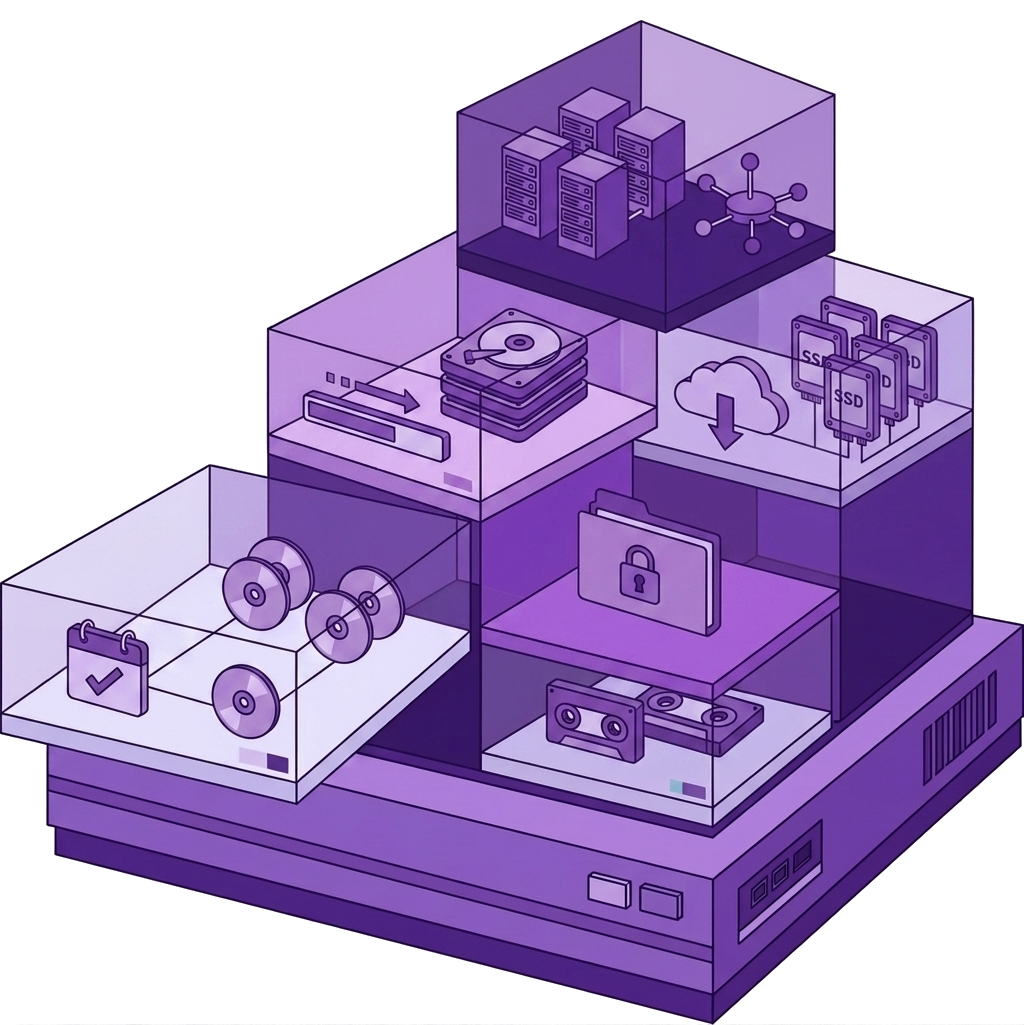
Backups panel downloads dumps and schedules jobs while Bridge is open. No cron syntax on server if you prefer desktop-triggered safety.
Backups is Ops, not daily driver — but when you need it, you need it now.
Bridge path: /database/backups

Step 1
Download pg_dump
One click dump before ALTER — file lands in Downloads, attached to change ticket.
Peace of mind in 90 seconds.
pg_dump downloads and scheduled jobs. /database/backups. PostgreSQL pg_dump integration.
Step 2
Schedule while Bridge runs
Nightly dump while laptop open on ops machine — not full DBA automation, practical safety net.
Schedule list shows last run.
Scheduled jobs require Bridge session per policy.
Step 3
Restore drill
Quarterly restore test — dump from Backups, restore to staging via Query lab psql.
Team trusts backups.
Pair with connect-postgresql docs and Ops runbooks.
postgresql://, ssh://, sftp://, s3://, or smtp:// examples.Related connections