
Transfer studio
SFTP dual-pane studio
Local folder beside remote path.
The story
These pages use illustrative scenarios to walk through real workbench panels. Sidebar labels, Bridge paths, and connection schemes match the app; characters and timelines are examples for learning.
Sofia ships static builds — local dist/ left, remote /var/www right, sftp:// beside postgres://staging.
FileZilla-grade UX inside Bridge; drag, queue, chmod, preview without second app.
Bridge path: /storage

Step 1
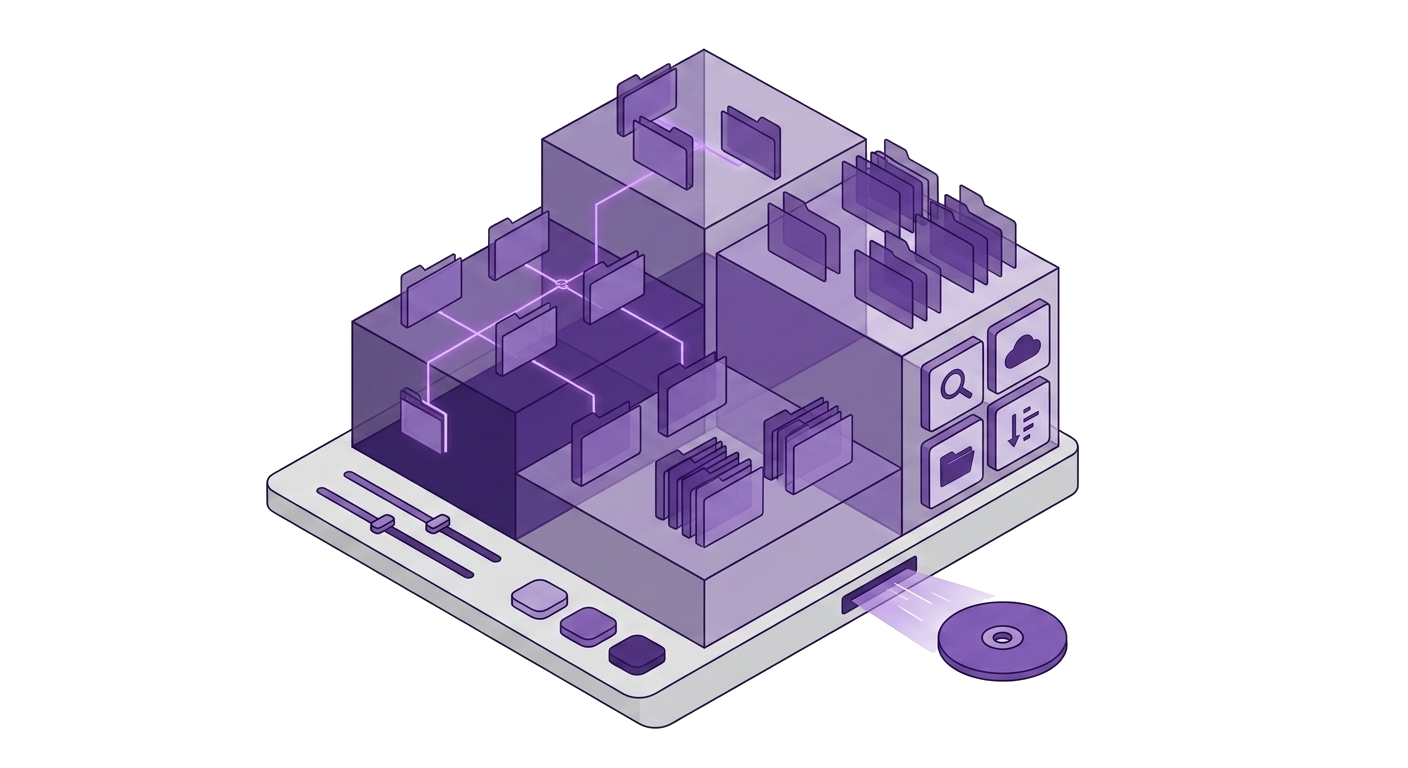
Local beside remote
Diff sizes before upload — only changed files queued.
Friday deploy saved.
Local folder beside remote path. /storage.
Step 2
chmod from menu
755 on public assets from context menu.
No ssh chmod loop.
Permission edits on SFTP.
Step 3
sftp:// connect
Password or privateKey URL in vault.
See connect-sftp docs.
Pair connect-sftp tutorial.
This panel appears in the Nexoxa Bridge left sidebar after you connect with the matching connection URL. See the connection docs above for
postgresql://, ssh://, sftp://, s3://, or smtp:// examples.Related connections