
Transfer studio
Upload & download queue
Parallel transfers with retry.
The story
These pages use illustrative scenarios to walk through real workbench panels. Sidebar labels, Bridge paths, and connection schemes match the app; characters and timelines are examples for learning.
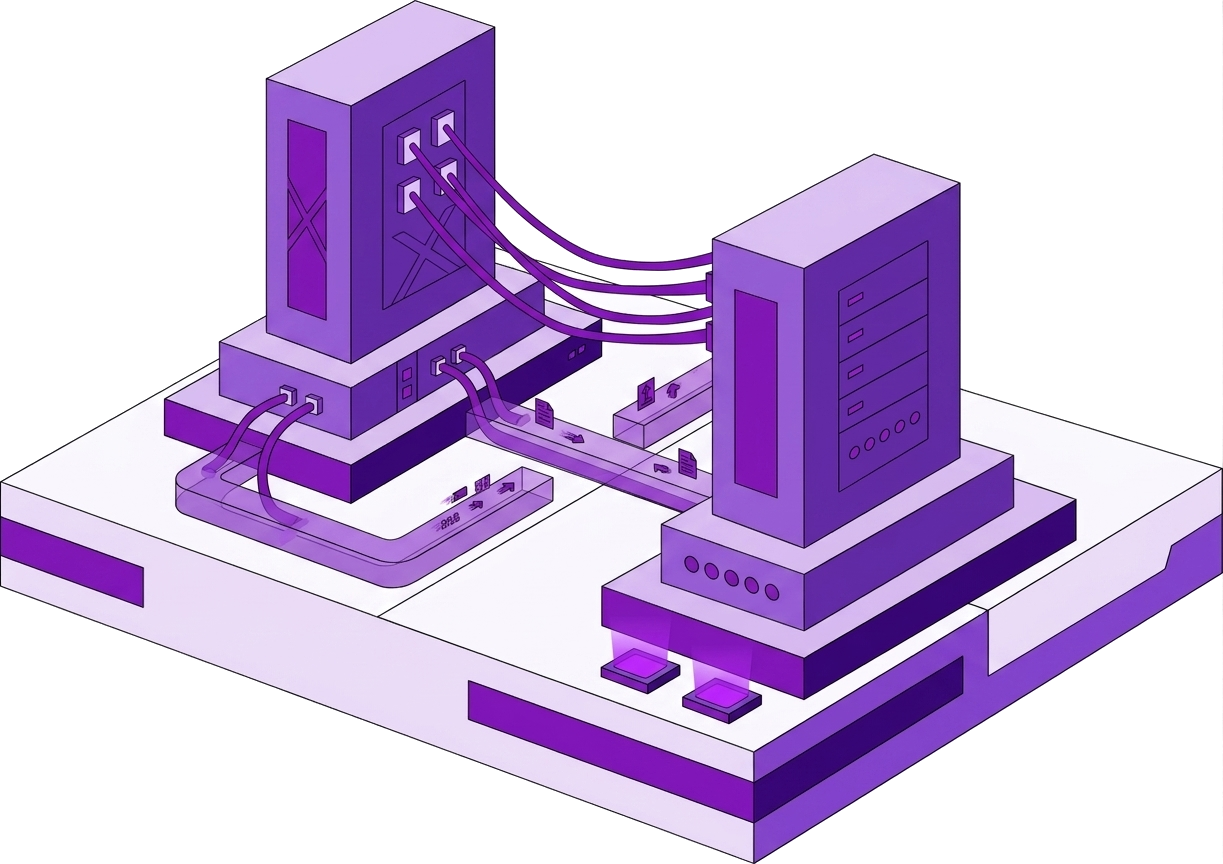
800 files, Wi‑Fi flaps — upload queue retries failed transfers, parallel progress, pause/resume.
Sofia does not manually diff remote partial state.
Bridge path: /storage

Step 1
Parallel transfers
Throughput on good link — per-file bars.
Flaky link survives retry.
Parallel transfers with retry. /storage.
Step 2
Retry on failure
File 412 failed mid-flight — auto retry after reconnect.
Queue completes.
Per-file retry policy.
Step 3
Pause and resume
Pause for VPN switch — resume without re-queue all.
Practical remote work.
Queue controls in transfer studio.
This panel appears in the Nexoxa Bridge left sidebar after you connect with the matching connection URL. See the connection docs above for
postgresql://, ssh://, sftp://, s3://, or smtp:// examples.Related connections