






Product
What is Nexoxa Bridge?
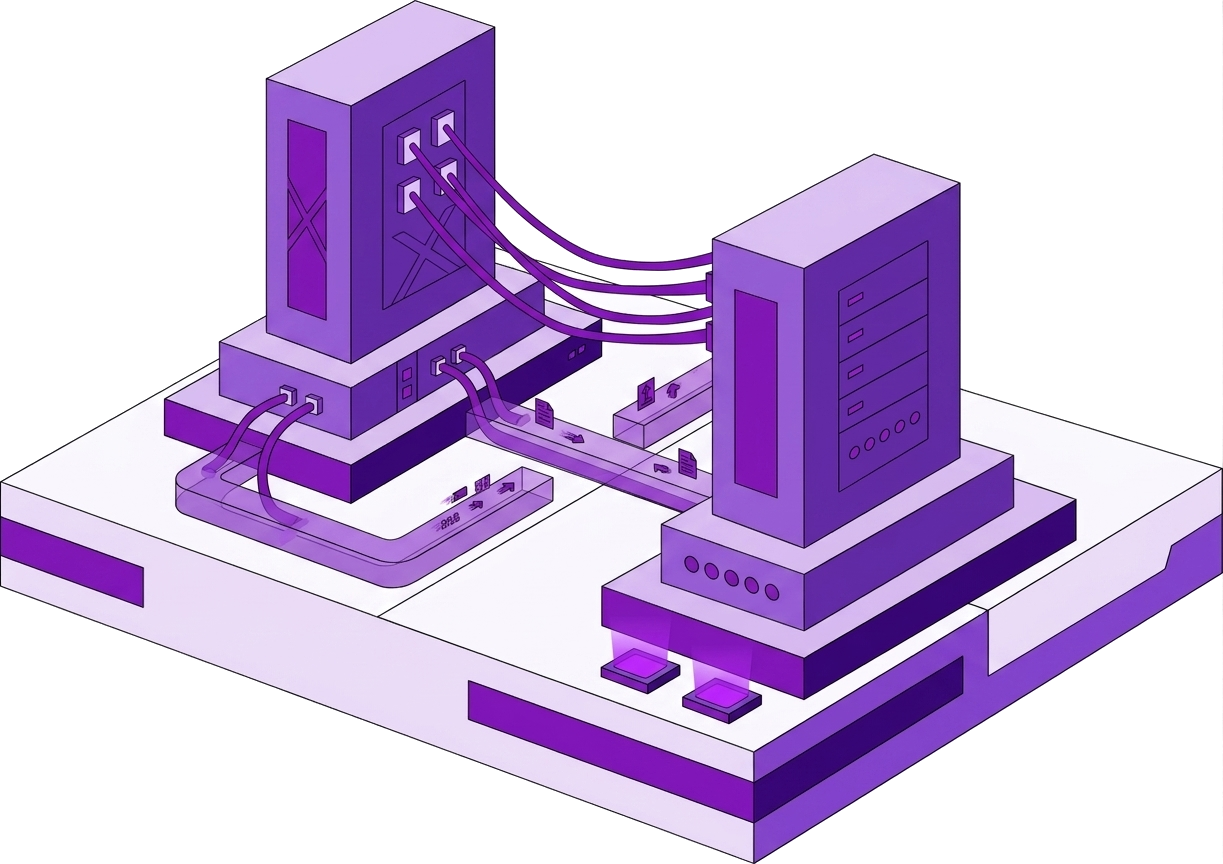
Nexoxa Bridge is a modern desktop database studio and connection manager built by Nexoxa. It is designed for developers, database administrators, and DevOps engineers who work with more than one system in a typical week — PostgreSQL on RDS, Redis on Elasticache, MongoDB Atlas, a Turso edge database, an SSH bastion, an S3 bucket for assets, and an SMTP relay for mail tests. Instead of juggling pgAdmin, DBeaver, PuTTY, FileZilla, and a dozen saved URLs in password managers, Bridge gives you one encrypted local vault, one SQL editor, and one consistent interface for every connection type.
The product is locally installed on Windows 10 and Windows 11. Credentials are encrypted with AES-256-GCM and stored in the Windows Credential Manager. Nexoxa does not host your databases and does not require uploading connection secrets to a cloud account for the core experience. Optional Nexoxa accounts unlock collaboration workspaces, higher connection limits, and platform features — but the database GUI itself remains a desktop application you control.
Official website: asteron.nexoxa.com. Nexoxa Bridge by Nexoxa is distributed through the Microsoft Store and an NSIS installer for Windows 10 and 11.
A true multi-engine database IDE
As a PostgreSQL client, Nexoxa Bridge supports full catalog depth: schemas, tables, views, materialized views, indexes, triggers, types, functions, extensions, row-level security policies, and GUC settings. Connect with postgresql:// or postgres:// URLs — including Neon serverless branches, Supabase pooler strings on port 6543, and Amazon RDS with sslmode=require. The Monaco-powered SQL editor runs EXPLAIN (ANALYZE, BUFFERS) on Postgres and surfaces execution plans without leaving the workbench.
MySQL and MariaDB connections use mysql:// and mariadb:// schemes on port 3306 (or 4000 for TiDB-compatible hosts). The same data grid that edits Postgres rows navigates foreign keys on InnoDB tables. PlanetScale and other Vitess-backed MySQL URLs work with the same client — label them clearly in your vault so staging and production never cross wires.
MongoDB connects via mongodb:// and mongodb+srv://. Browse collections, inspect documents, and work with indexes from the document grid. Redis uses redis:// and rediss:// for key browsing, TTL inspection, and command-lab debugging beside your relational sessions — ideal when you need to verify a cache entry while tracing a slow SQL query.
LibSQL and Turso use libsql://, file:, and HTTPS Turso endpoints. SQLite-compatible local files open with file: paths. Neo4j graph connections support property-graph exploration for teams that run Cypher alongside relational stores.
Schema tools and the FK knowledge graph
Nexoxa Bridge builds a foreign-key knowledge graph when you connect to a relational database. Louvain community detection highlights hub tables — the orders, users, and organizations tables that sit at the center of your schema. ER diagrams and interactive FK navigation help new engineers onboard without exporting static diagrams from SchemaSpy.
The knowledge graph exports to markdown reports and JSON for AI tooling. When you use Copilot or nexoxa-mcp from Cursor, assistants reference saved connection names and structural metadata — not raw passwords. That boundary matters for teams who want schema-aware help without pasting production URLs into chat.
Schema analyser views, primary-key and foreign-key editors, enum and sequence browsers, trigger lists, and extension panels (PostGIS, pgvector, Citus) give Postgres teams depth that generic SQL clients often treat as afterthoughts.
SSH, S3, SFTP, FTP, and SMTP in one vault
Infrastructure work rarely stops at SQL. Nexoxa Bridge includes an SSH tunnel manager and server dashboard: CPU and RAM charts, open ports, Docker containers, deployment access, embedded terminal with scrollback, and process lists. Save ssh:// connections next to database URLs — inspect nginx on the same host where Postgres runs without Alt-Tab to another SSH client.
SFTP and FTP use dual-pane transfer studios with upload queues, path bookmarks, and TLS modes for FTPS. S3-compatible storage — AWS, Cloudflare R2, MinIO, Backblaze B2, DigitalOcean Spaces — connects via s3:// URLs with bucket browsing and the same file-manager UX as SFTP.
Mail studio connects to SMTP and SMTPS endpoints for deliverability testing: verify TLS, compose HTML or plain messages, and send test mail without scripting openssl clients. Together, SSH, file transfer, object storage, and mail make Bridge a connection manager for your entire stack — not only a database GUI.
AI Copilot and MCP — without selling your secrets
Optional AI Copilot uses your own OpenRouter or compatible API key (bring your own key). Nexoxa does not resell AI tokens. Copilot reads live schema metadata, FK graph hints, and query context — never connection passwords. Migration suggestions show diffs before you apply DDL.
The nexoxa-mcp package exposes local Bridge to Cursor, Claude Desktop, and other MCP clients. Agents discover schema graphs, run approved read-only SQL, and control SSH or SFTP by saved connection name only. The nexoxa-bridge-sdk automates server dashboards and queries from CI. @nexoxa/analytics, @nexoxa/speed-insights, and @nexoxa/seo store self-hosted metrics in .nexoxa/ on your servers — view them from Bridge over SSH.
Local-first security and team collaboration
Every connection secret encrypts into your OS keychain. Default behavior keeps passwords on your device. Pro workspaces can opt into encrypted metadata sync — hostnames, labels, engine types — while secrets stay local unless policy explicitly enables encrypted secret sharing.
Bridge is operator software: you approve queries, file transfers, and mail sends. AI integrations receive structural context under clear data boundaries documented on the Security page. For regulated teams, that model avoids cloud-hosted credential vaults that duplicate your attack surface.
How Nexoxa Bridge compares
Compared with DBeaver or DataGrip, Nexoxa Bridge adds integrated SSH server ops, SFTP and S3 file transfer, SMTP mail studio, FK knowledge graphs, and MCP integration — with a single local vault instead of plugin sprawl. Compared with TablePlus or pgAdmin, Bridge covers MongoDB, Redis, LibSQL, and infrastructure connectors in the same app.
Compared with juggling separate tools, Bridge replaces the typical stack of database GUI plus PuTTY plus FileZilla plus mail test scripts. One download, one catalog of labeled connections — staging-postgres, prod-redis, bastion-ssh — switchable in seconds from Query lab, Server dashboard, or Transfer studio.
Download and get started
Install Nexoxa Bridge on Windows from the Microsoft Store. Paste a connection URL, test connectivity, and save with a descriptive label. The Free tier includes core database, SSH, transfer, and mail features for up to 5 connections. Pro unlocks the knowledge graph, collaboration, and higher limits. Enterprise adds SSO and org policies.
Read connection string guides on the blog — PostgreSQL, MySQL, MongoDB URI, Redis URL, SSH tunnels, and S3 permissions — each linking back to this official product page. Nexoxa Bridge by Nexoxa: your modern database studio, SQL client, and infrastructure connection manager in one desktop application.